Free resume checker Canada
Free resume checker for Canadian job applications
Upload your resume and see whether it is clear, easy to read, keyword aligned, and ready for Canadian employers, co op roles, internships, and professional job applications.
Made for Canadian job seekers
- Checks resume clarity for Canadian job applications.
- Reviews keywords against the role you want.
- Helps students applying for co op, internships, and graduate roles.
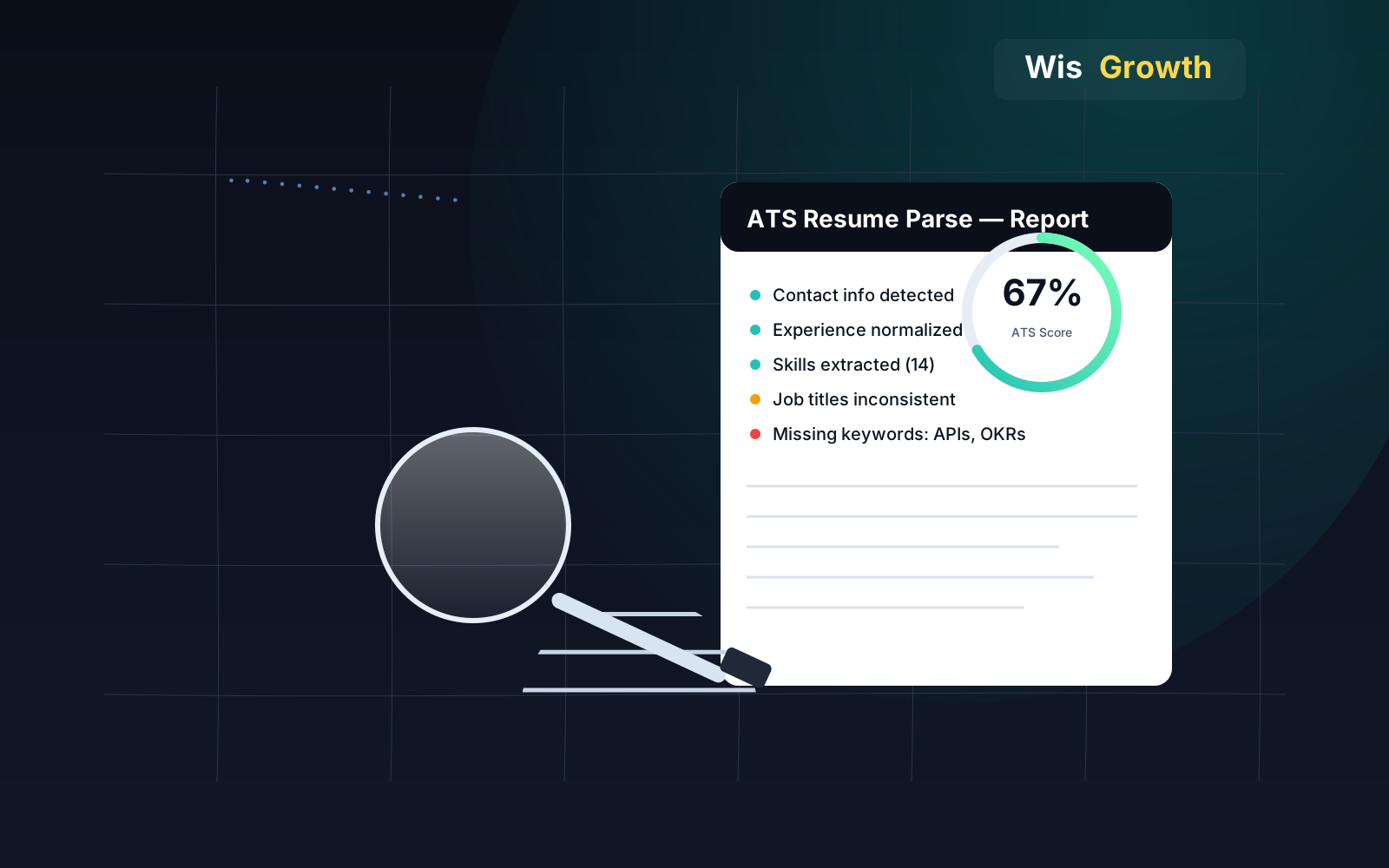
- Flags formatting issues that can affect ATS readability.
- Keeps recommendations practical for recruiters and hiring managers.
Useful whether you are applying in Ontario, British Columbia, Alberta, Quebec, or remotely across Canada.
What the free check gives you
- ATS readability score.
- Keyword match notes.
- Formatting warnings.
- Missing proof or skills.
- Suggestions to make your resume clearer.
Use the result as a practical review before applying on LinkedIn, Indeed, company sites, or role-specific portals.
Best for
- New graduates.
- Co op and internship applicants.
- Skilled professionals applying in Canada.
- Newcomers preparing an English resume for Canadian employers.
Canadian resume signals that matter
Canadian resumes usually need a clean format, strong recent proof, and enough local context for the recruiter to understand location, eligibility, and role level.
- Use city and province when helpful, such as Toronto, ON or Vancouver, BC.
- Avoid photo, age, marital status, religion, and Social Insurance Number.
- For co op or early-career profiles, include class projects, internships, volunteer work, and part-time roles when they prove relevant skills.
- For bilingual or cross-province experience, show the business context and outcome rather than listing it as a vague advantage.
Canadian spelling and format conventions
Canadian resumes typically run one page for early-career applicants and up to two pages with more experience, similar to the US. The clearest local signal is spelling and terminology: Canadian English generally follows British-influenced spelling for some words while staying closer to American usage and terminology for many other everyday words.
- Use Canadian spelling such as colour, centre, and cheque where applicable.
- Keep length to one page early career, up to two pages with more experience.
- List a Canadian mailing address or note relocation plans if applying from abroad.
- Use month-day-year or day-month-year consistently, matching the employer's convention.
Bilingual and regional expectations
Federal government roles and many Quebec-based employers may expect or prefer bilingual English and French proficiency, sometimes assessed formally. Stating your actual proficiency level honestly matters more than overstating it, since language skills are often tested directly, sometimes through a live interview conducted partly or entirely in the French language.
- State your language proficiency level specifically rather than just listing "bilingual."
- Check whether the specific posting requires French, English, or both.
- For Quebec roles, confirm whether a French-language resume is expected.
- Do not claim a proficiency level you cannot demonstrate in an interview or test.
Fix order before the next application batch
- Set one role family and target province or city.
- Remove personal details that do not help the application.
- Check parser safety and section labels.
- Rewrite recent bullets with numbers, scope, or clear outcomes.
- Align the resume, LinkedIn headline, and application profile.
FAQs
Common questions before checking a resume for Canadian job applications.
A Canadian resume checker reviews whether your resume is clear, readable, relevant to the role, and practical for Canadian job applications. WisGrowth checks ATS readability, keywords, structure, and proof points.
Canadian and US resumes are often similar, but Canadian applications may need local context such as province, co op experience, newcomer experience, bilingual skills where relevant, and clear fit for the employer.
Yes. Students can use it to check whether co op terms, internships, class projects, volunteering, and part-time work show relevant skills for the role.
Yes. The free check reviews ATS readability signals such as headings, formatting, selectable text, dates, and whether important skills are easy to find.
Yes. Newcomers can use the check to prepare an English resume for Canadian employers and make international experience easier for recruiters to understand.
For most Canadian job applications, keep the resume focused on contact details, skills, experience, education, and proof. A photo is usually not needed.
No. You can begin the free Canada resume check without signing up.
Use Canadian spelling, which blends both: words like colour and centre follow British patterns, while other conventions stay closer to American usage. Consistency across the document matters more than any single rule.
Only if the role requires it, such as many federal positions or Quebec-based employers. Check the posting directly and state your real proficiency level rather than assuming bilingualism is expected everywhere.
Country selector
Applying outside Canada? Choose the resume or CV checker for the job market you are targeting.
Not sure this is the right role?
Before rewriting your resume around one target, check whether the direction itself fits. The free Career Decision first read shows fit, risk, missing evidence, and a focused evidence test.
Your resume is more than a document
WisGrowth uses resume signals to understand what your experience currently proves, what it does not prove yet, and which paths may need stronger evidence before you commit.
- Checks parser readability, role keywords, recruiter clarity, and missing evidence.
- Connects resume evidence to the role or move you are considering.
- Gives decision support, not a guarantee of interviews, hiring, salary, or employer outcomes.